Getting Started
Navigating the Application
Understand the two main modules in ClinicShifts and how to switch between them.
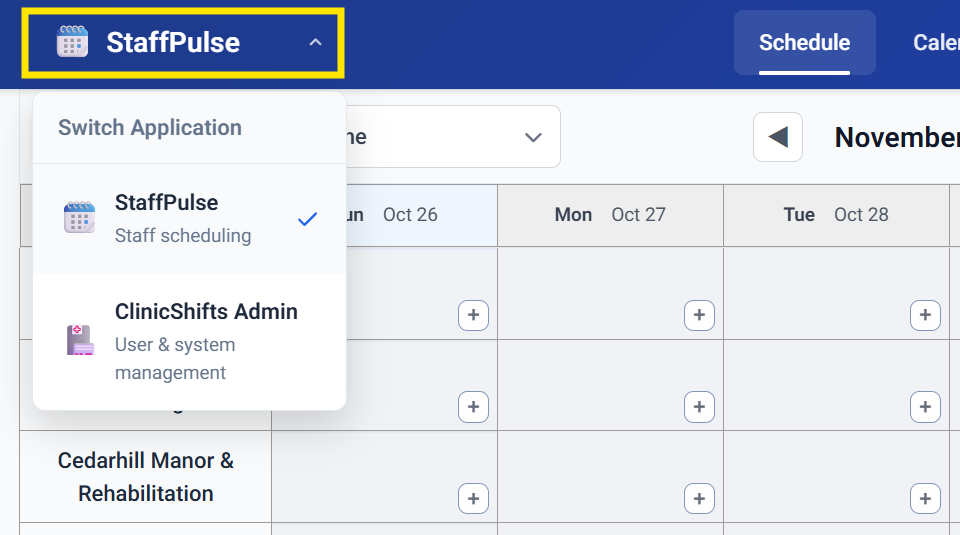
ClinicShifts is organized into two main modules, each serving a distinct purpose. You can switch between them at any time using the module selector.
Module Selector
In the top-left corner of the screen, click the dropdown (showing either StaffPulse or ClinicShifts Admin) to switch between modules.
StaffPulse — Staff Scheduling
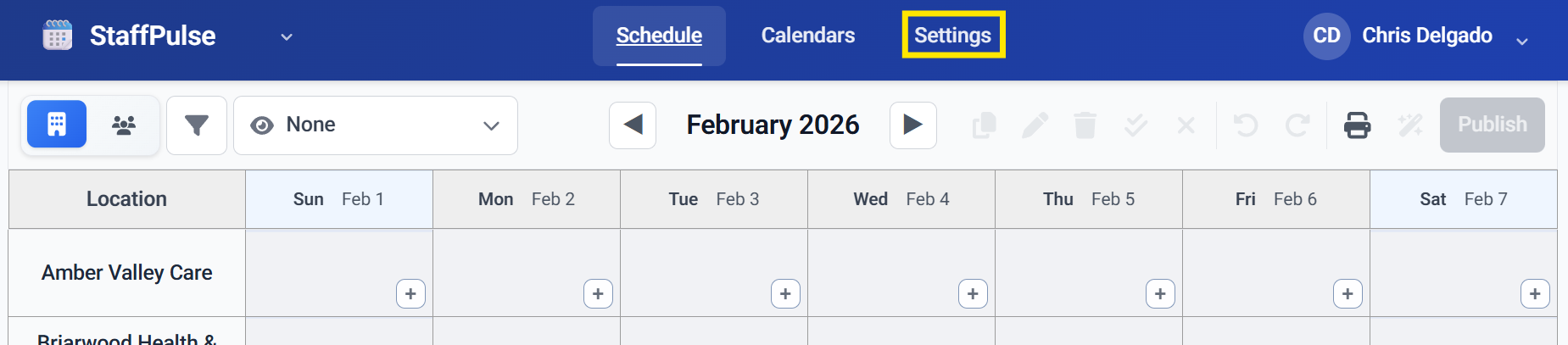
StaffPulse is the core scheduling module. This is where you spend most of your time as an admin. It contains three main sections accessible from the top navigation bar:
- Schedule — the calendar grid where you create, edit, and manage shifts
- Calendars — employee calendars, location calendars, and holiday management
- Settings — configure employees, locations, and roles for scheduling
ClinicShifts Admin — User & System Management
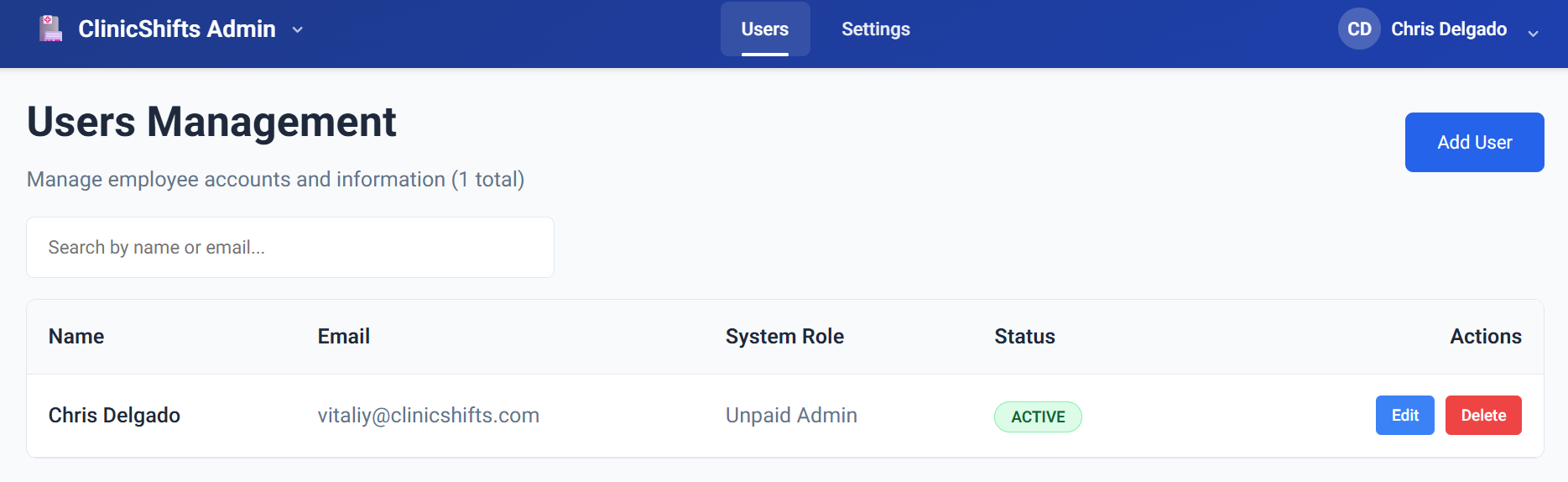
ClinicShifts Admin is the administrative module for managing your organization. It has two sections:
- Users — add, invite, edit, and remove team members
- Settings — configure organization-wide preferences like timezone, first day of week, and notification settings
Quick Reference
| Task | Module | Section |
|---|---|---|
| Create or edit shifts | StaffPulse | Schedule |
| View employee calendars | StaffPulse | Calendars |
| Manage time off / PTO | StaffPulse | Calendars |
| Assign roles and locations to employees | StaffPulse | Settings |
| Add or invite new users | ClinicShifts Admin | Users |
| Change organization timezone | ClinicShifts Admin | Settings |
| Enable email notifications | ClinicShifts Admin | Settings |